We’ve always enjoyed seeing birds in our garden and putting out food and water for them. As RSPB members we enjoy going birdwatching at reserves from time to time too.
A few months ago I stumbled across BirdNET-Pi and it’s just great. It uses my Raspberry Pi to listen to our back garden through a microphone and identifies every bird call it hears in real time. The results are then served up on a tidy little web dashboard. No cloud, no subscription, 100% local.
If you have any interest in birds and any interest in tinkering with a Pi, it’s well worth your time!
What is BirdNET-Pi?
BirdNET is a machine learning model from the Cornell Lab of Ornithology that identifies birds from their calls. It’s the engine behind the popular Merlin app you might already have on your phone. BirdNET-Pi is a community project that wraps that model up to run permanently on a Raspberry Pi, listening to a single microphone and logging every detection it can make.
I’m running the actively-maintained Nachtzuster fork. The original project has split a few different ways over the years and this fork is the one that seems to be getting the most love at the moment.
What you actually get is a web UI on your local network with:
- A live spectrogram so you can watch sounds rolling past in real time
- A detection feed with the species, confidence, and a clip of the audio that triggered it
- Daily and weekly stats, top species, hourly heatmaps
- Every audio clip saved to disk so you can go back and listen
- Customisable notifications going to platforms like Telegram - we use it for knowing when a rare bird has been heard
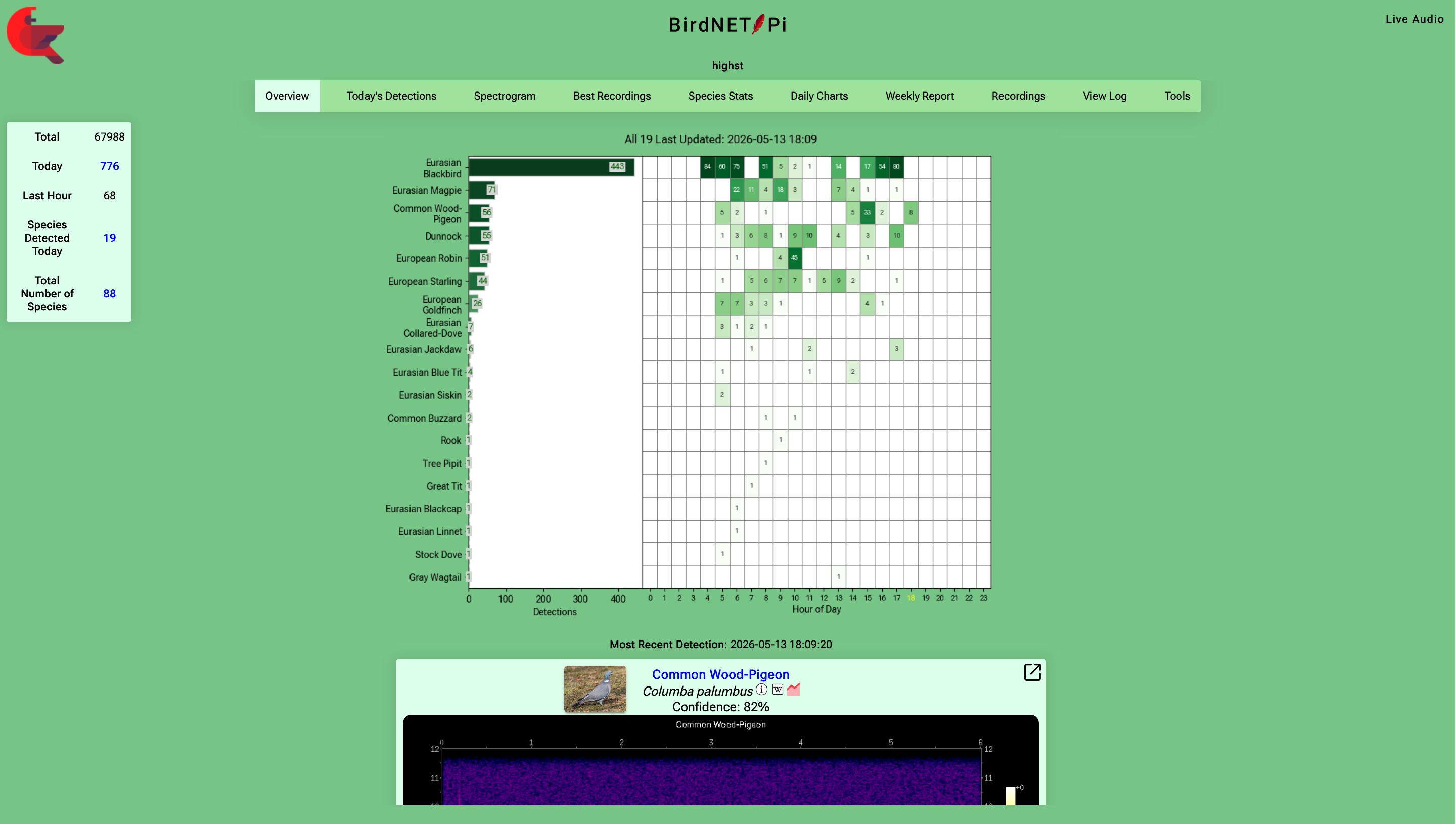
The front page: detection counts for the hours of the day and recordings below
The best part is that it all runs locally. No account, no app, no monthly fee. Set it up once and the dashboard keeps filling up for as long as the Pi is on.
A Blackbird singing in the back garden one May evening, picked up at 99% confidence:
My Setup
The hardware is super simple. A Raspberry Pi 4 and a USB microphone poking out of a slightly-open upstairs window.
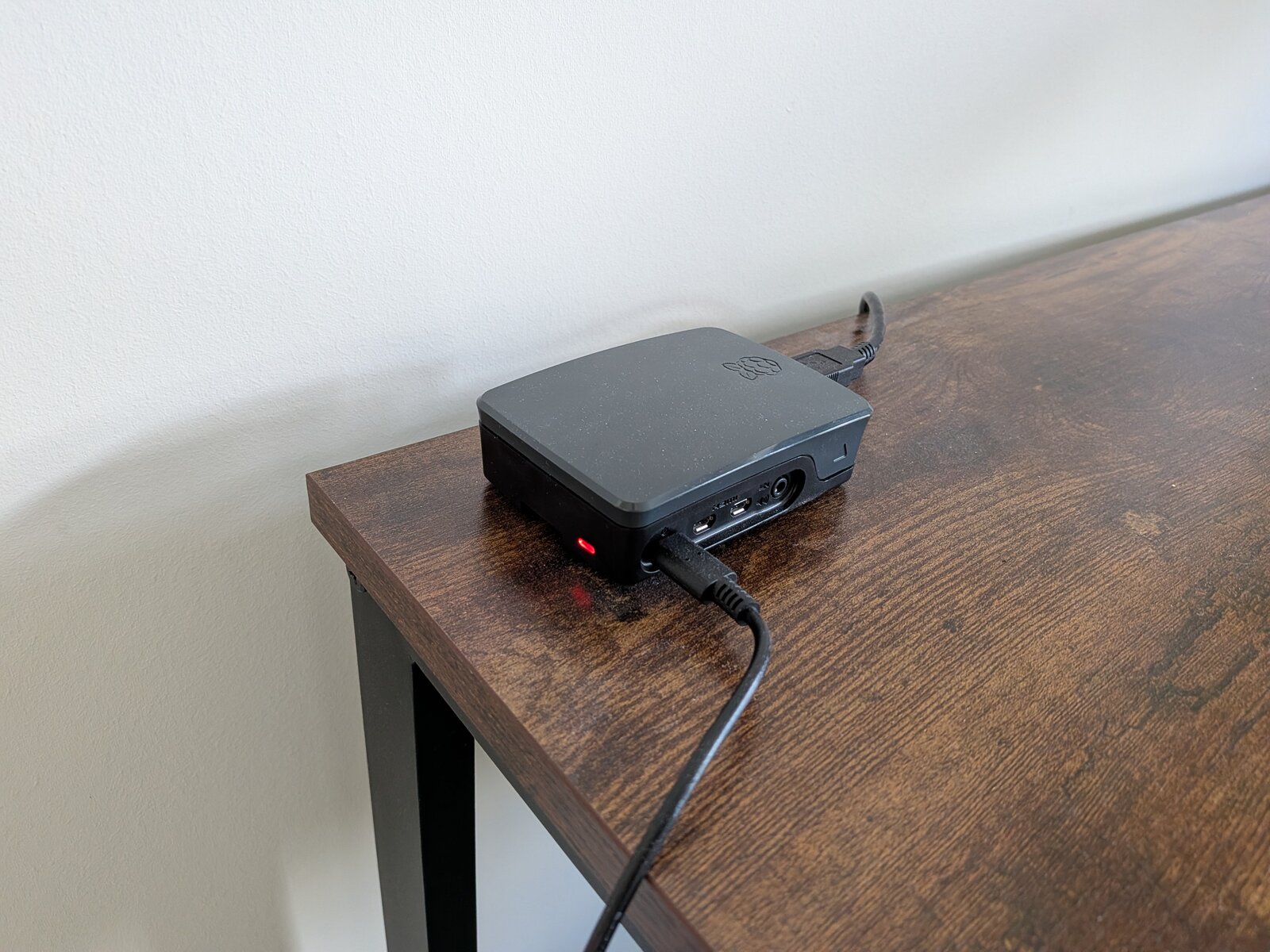
The Pi, doing its thing
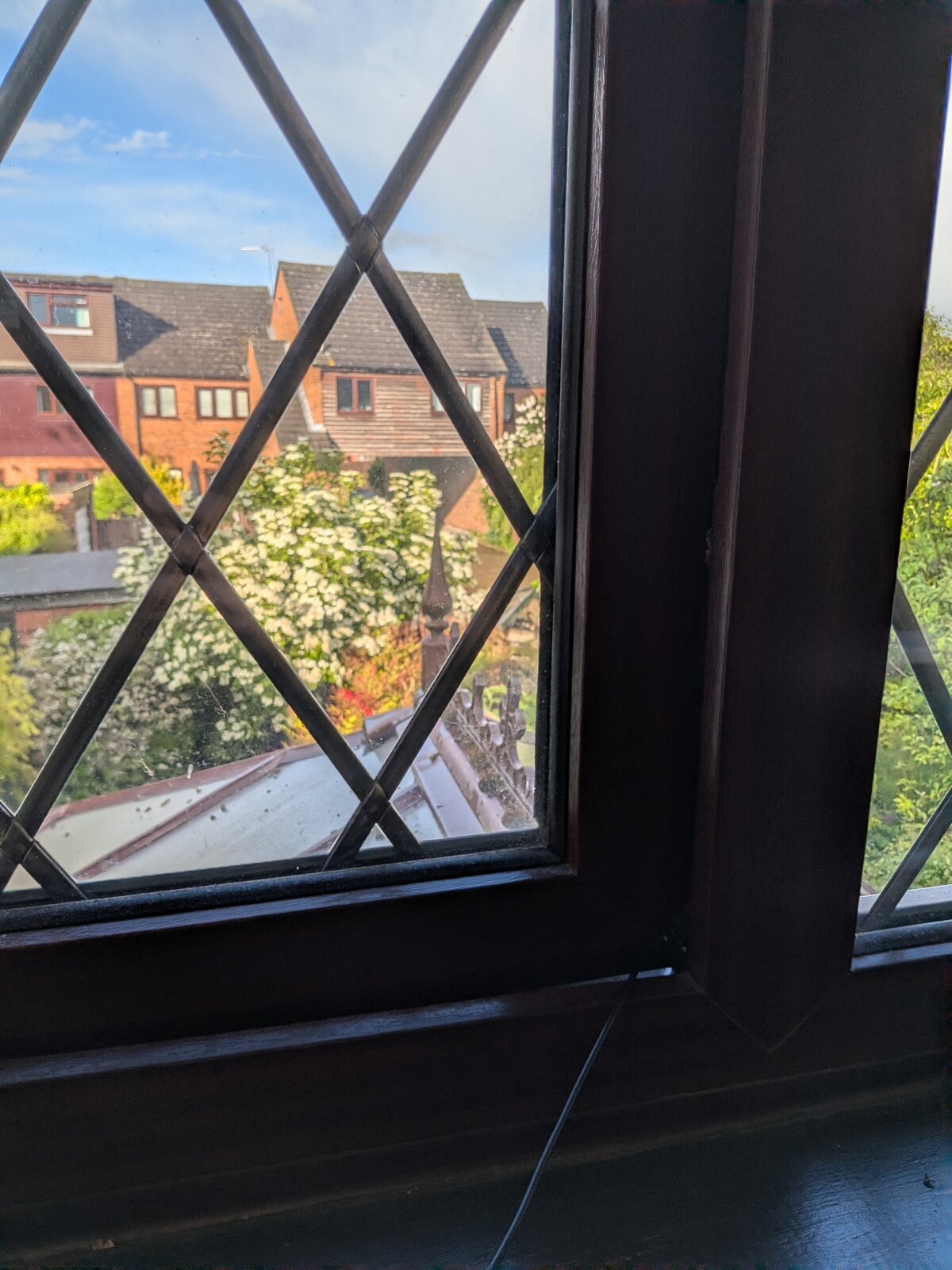
A microphone, a window, the great outdoors
Installation was painless. Run the one-line install script:
curl -s https://raw.githubusercontent.com/Nachtzuster/BirdNET-Pi/main/newinstaller.sh | bash
I followed the installation guide and docs, made a cup of tea while it churned, did some tinkering with settings, and was looking at a fully working and customised dashboard about half an hour later.
Getting the audio quality right was the harder part.
The Microphone Saga
This is the section to read if you’re thinking about building one yourself, because I made the wrong call here twice before I made the right one.
Attempt 1: 3.5mm mic with a USB sound card
My first instinct was the obvious one. A cheap 3.5mm microphone, plugged into a small USB sound card, plugged into the Pi. Lots of options at low cost, and you can in theory pick a much nicer mic than the typical USB ones.
The problem was interference. There was a constant buzz sitting underneath everything I tried to record. BirdNET still made detections, but the noise was masking quieter calls and the recordings were not pleasant.
Attempt 2: 3.5mm extension lead
I read in a few forum threads that a 3.5mm extension lead can sometimes help. The theory is that getting the microphone physically further away from the Pi reduces the RF noise it picks up, and the lead itself can act as a little bit of extra shielding. Worth a try, the cable cost about £3.
The improvement was negligible, still very obviously not clean. Not the fix.
Attempt 3: a USB lavalier microphone, finally
In the end I gave up on the 3.5mm route and bought a USB lavalier microphone from AliExpress for £5. The difference was night and day.
Went cheap to start with and you could absolutely spend more money here and get nicer audio, but I’ve been pleasantly surprised by what a fiver gets you. The detections are accurate and the clips are perfectly listenable.
If you’re building one of these, I’d skip the 3.5mm route. Buy a cheap USB mic and start there.
What It’s Been Like
The number that surprises me the most: at least 1,000 detections per day. And 86 species identified so far! There is a staggering amount more bird activity going on in the garden than I expected!
A few standouts with some info according to the excellent RSPB website:
- Golden Oriole: apparently very rare in the UK, only sometimes found in our region and in May/June
- Ring-necked Parakeet: a naturalised parrot that I’ve seen in London but never where we are
- Firecrest: tiny bird with a distinctive striped head.
What I didn’t expect was how much I’d enjoy just opening the dashboard with my tea in the morning to see what appeared overnight. There’s a joy in it. You start to notice patterns. Some birds tend to be most active early, others later on. When you’re out, you get excited by a Telegram message telling you a rare species has shown up.
It’s also made me realise how lively the garden actually is at 3am, even when it’s dark out!
Wrap up
If you have a spare Raspberry Pi and any interest at all in birds, this is one of the most rewarding weekend projects I’ve done in a while. The total cost was a Pi I already owned plus a microphone. The whole setup is genuinely one hour including making the tea. And once it’s running there’s no maintenance required.
I now have 3+ months of detections sitting in a SQLite database on the Pi, which feels like the fun bit. (I’ve got it backing up automatically every day to my main home server and an external hard drive too, just in case!) In a future post I want to dig into what’s actually been visiting the garden and what the patterns look like across the season.